

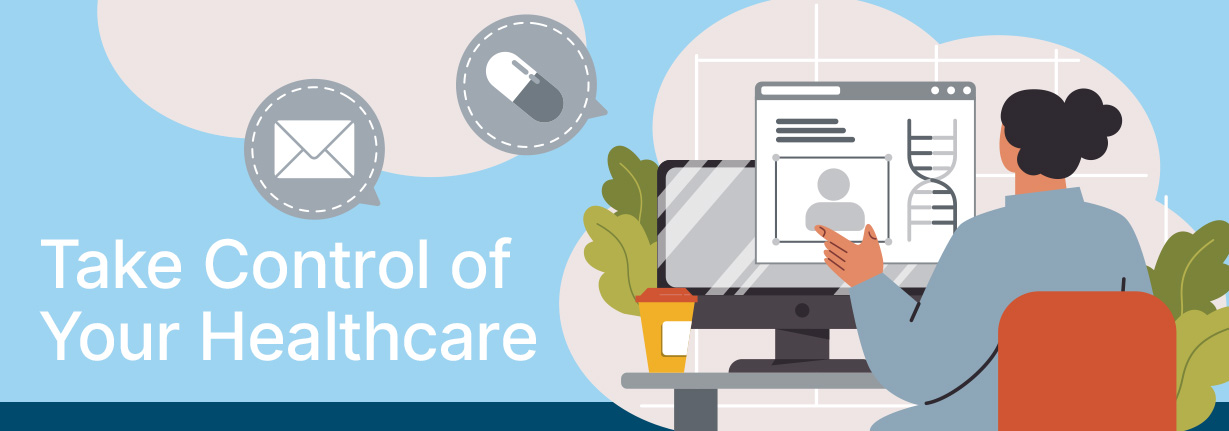
Messaging: Ask your doctor or care team a question, share an update, and/or send an attachment.
Request Appointments: View and request appointments.
Medications: Request refills and/or renewals and review your prescription medications.
Health Record: View visit summaries, lab results, and other documentation.
Health Forms: Complete paperwork, before your appointments.
Please note that the patient portal launch is currently exclusive to Family Practice, Pediatrics, Pain Management, and OBGYN services. Dental and other specialty services are not available at this time.

A patient portal offers several benefits. You can bypass our call center to manage appointments, request prescriptions, or directly communicate to your healthcare team. You can also view your health records, access visit summaries and other documentation.
You’ll have access to lab and test results, visit summaries, visit attachments, immunization records, medications, appointment history, practice bills, and any other information your care team has made available for you to view.
You can easily review, download, or share your health records with other providers.
Our medical care team will send a parent/guardian invitation to view and manage your child’s account.
More than one parent can have access to their child’s information. For example, divorced parents will have their own access to view their child’s portal account.
Log in to your patient portal account and click the “Health Forms” tab to view and complete your forms.
You can easily message a member of your care team through the “Messages” tab. While in your message inbox, you can send a new message, attach images, and view your care team’s replies.
Your patient portal can be accessed through any web-enabled desktop, laptop, or mobile device using
one of the following supported browsers:
Please use our ChatNow Support Agent, the orange circle in the bottom right hand side of Patient Portal. Through ChatNow we offer a chat bot that can connect you with live agent support (5am-5pm PST).
To reset your username and/or password, click “I forgot my username and/or password” located beneath the portal sign-in button. You will then be prompted to answer your security question and reset your password at that time.
If you forgot your username and/or password and don’t know the answer to your security question, please use ChatNow or email pxpsupport@lcthc.org.
Please discuss with your medical team or email pxpsupport@lcthc.org to resend an invitation to enroll.
Yes. Your patient portal is HIPAA-compliant, which means your information is securely stored and encrypted.