

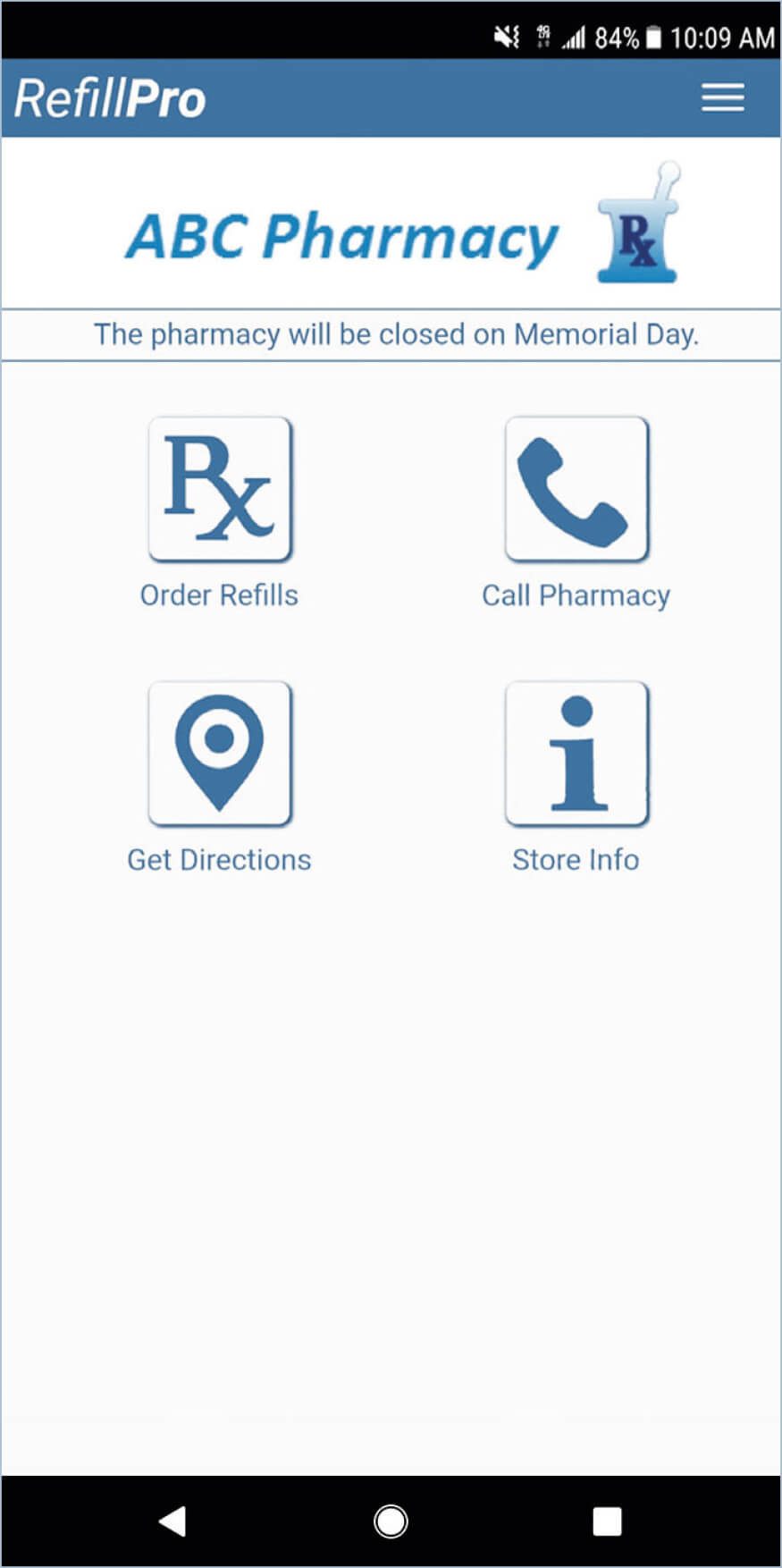
Download Refill Pro app from your smart phone’s app store.
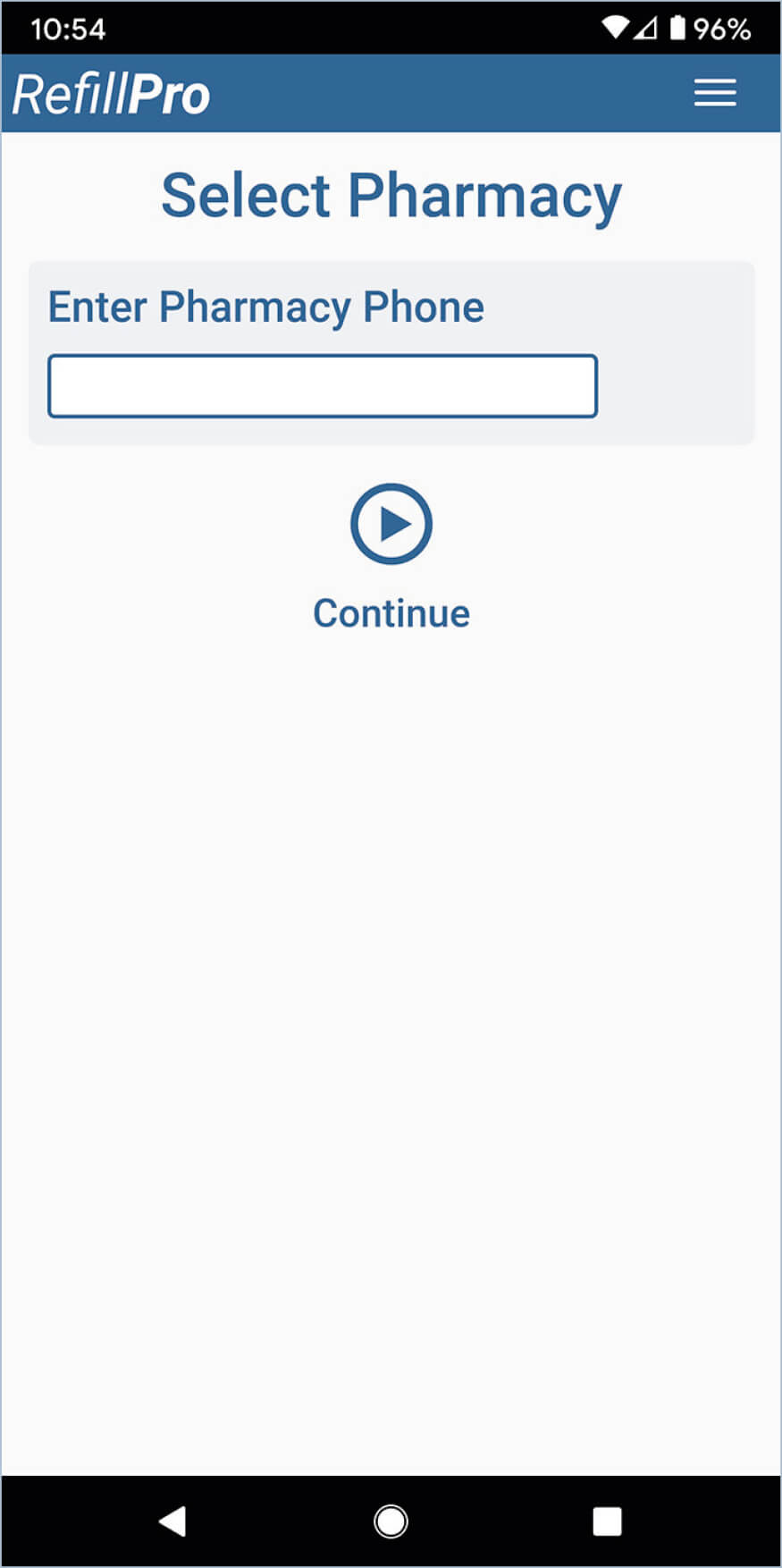
Enter the pharmacy’s phone number and select Continue. If a match is found, the RefillPro Home screen is displayed.
For the Lakeport pharmacy, enter 7072638382.
For the Clearlake pharmacy, enter 7075332747.
If a match is not found, the following message is displayed: “We could not find your pharmacy. Please check the number you have entered and try again,” select OK to return the Select Pharmacy screen.
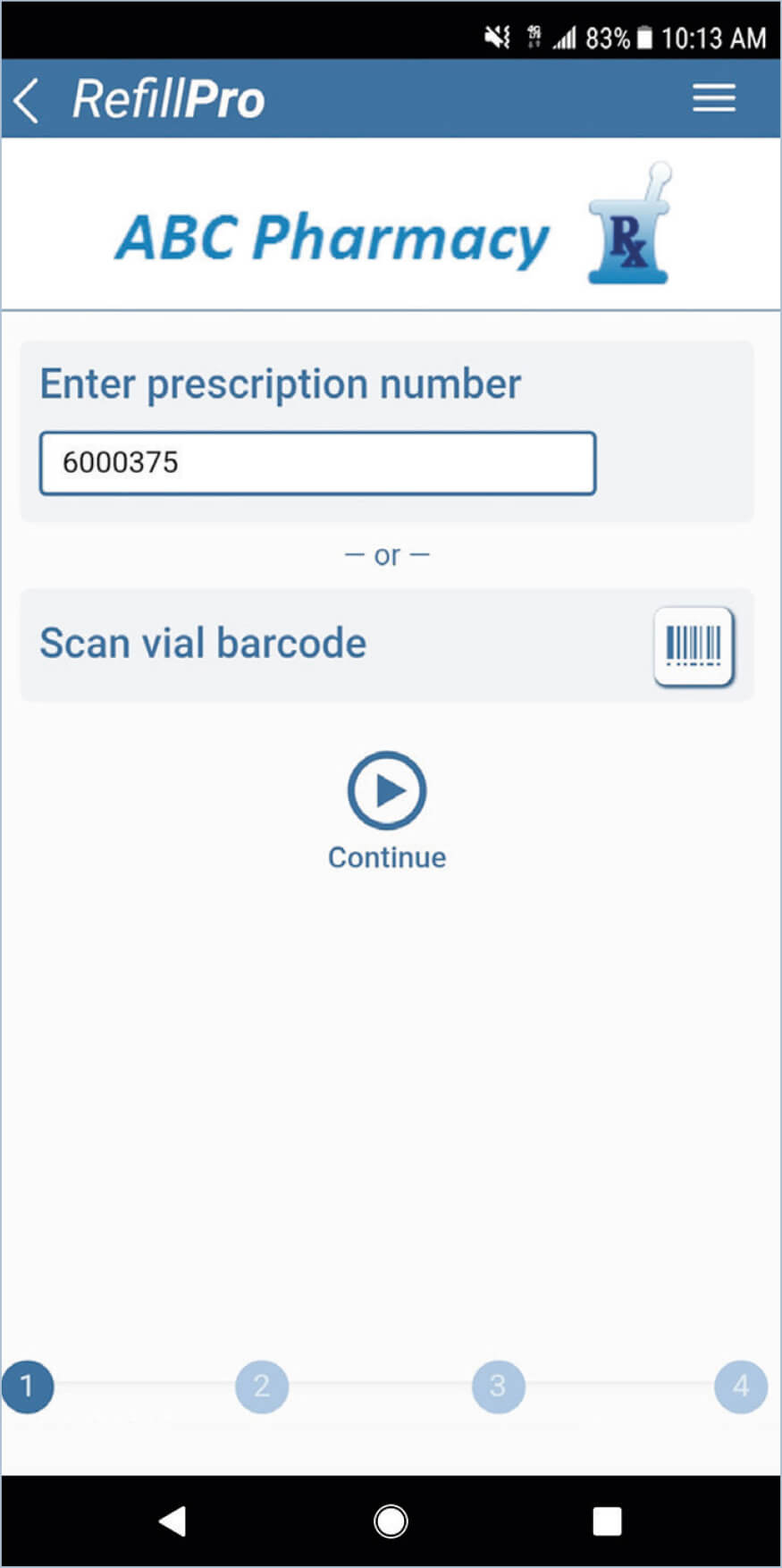
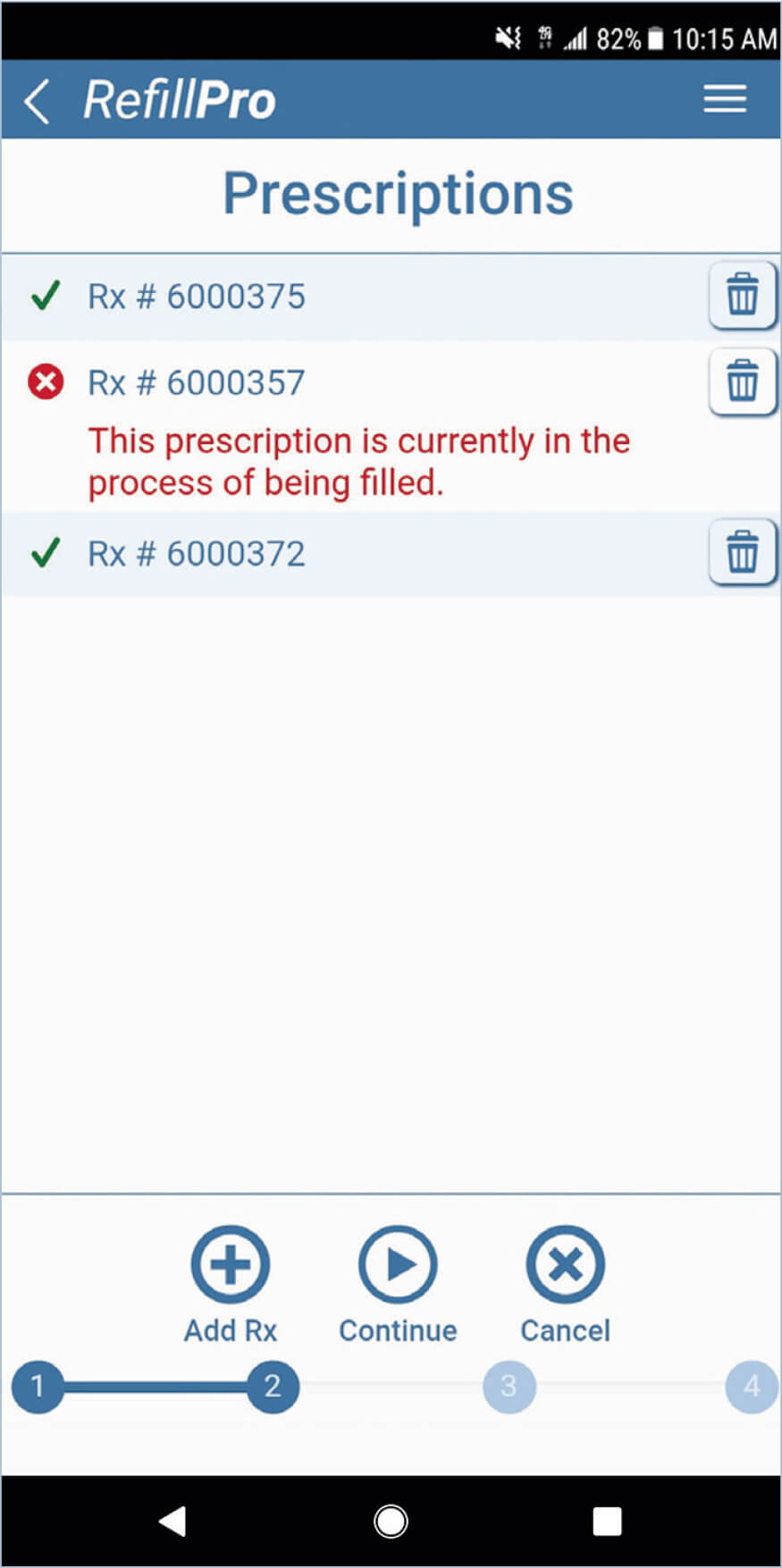
Enter the prescription number and select Continue, or scan the vial barcode from a previous fill of the script
To add additional refills, if needed, select Add Rx.
When done select Continue.
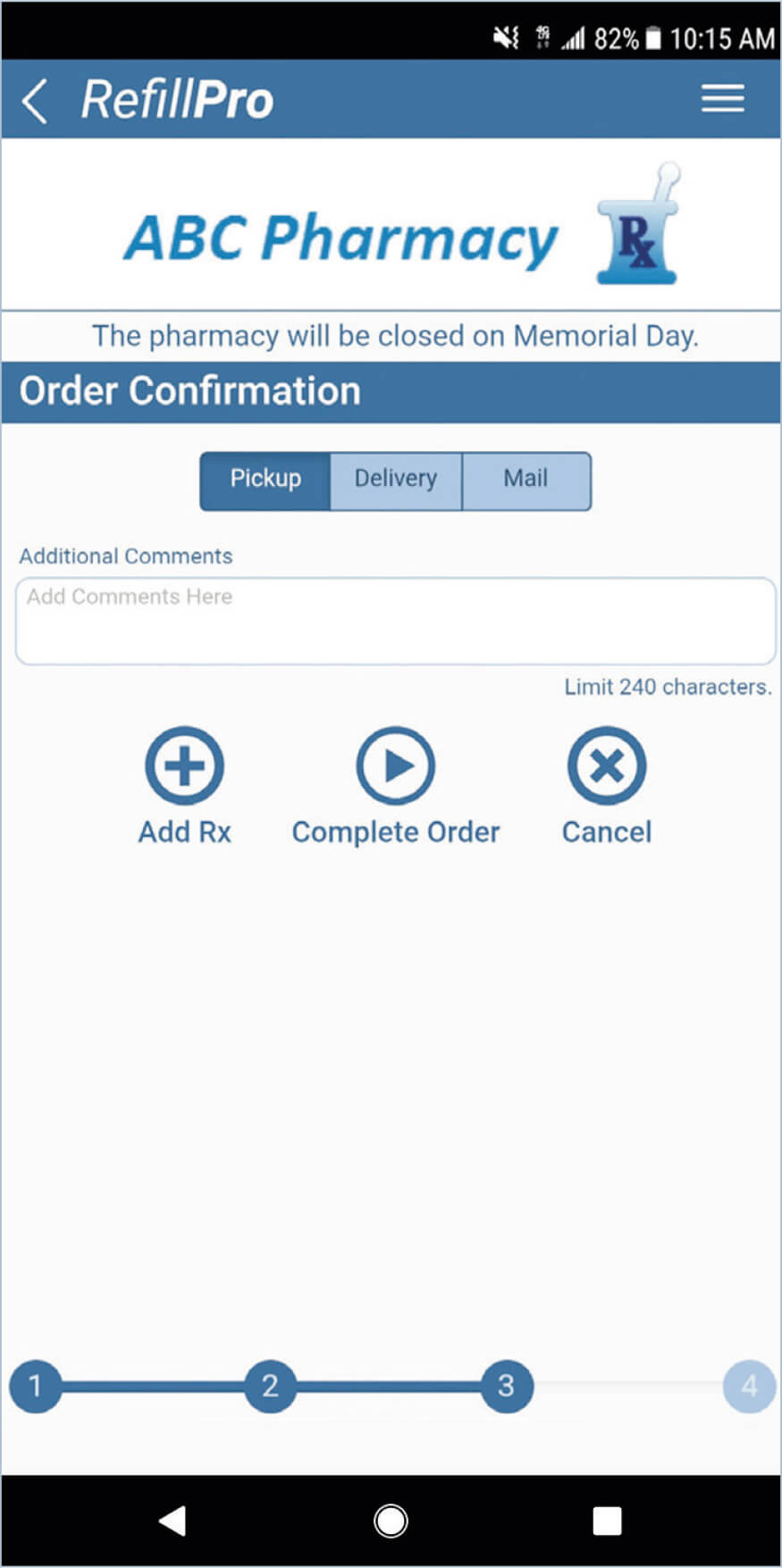
If you need to add information regarding the prescription, enter it in the Additional Comments window.
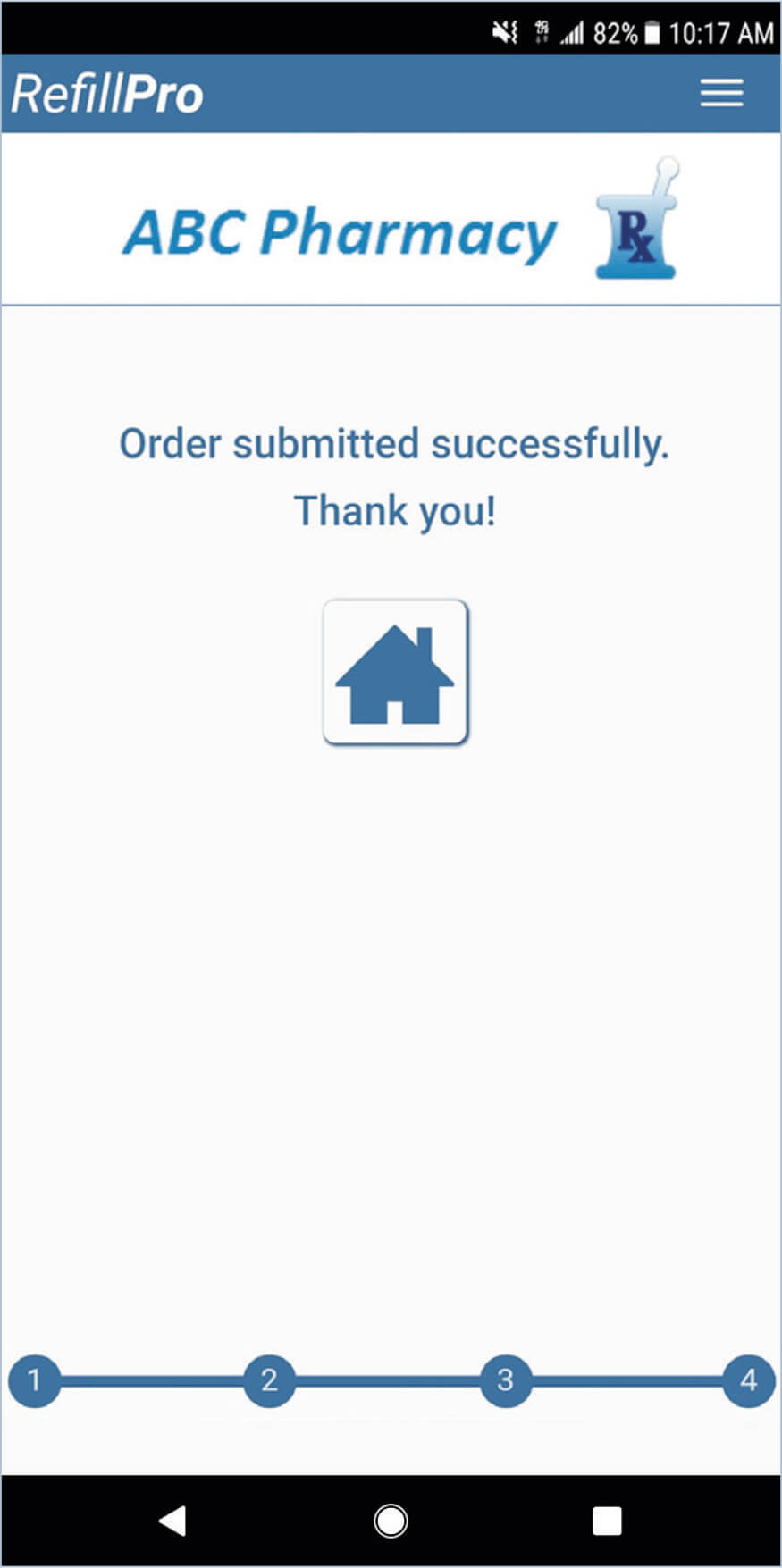
Select Complete Order.
NOTE: LCTHC pharmacy does not deliver prescriptions. Please call 707.263.8382 x1100 to contact our Transportation Dept. to see if they can deliver your medications.